
Search Visibility
Visual Search Is Now Visible in Search Console
Google's new multimodal reporting shows when image-led search brings visitors to a site. The useful response is clearer visual evidence and better page context, not guesswork.
People don’t always begin a search by typing words into a box.
They use a phone camera, upload an image, circle an object on a screen, or ask a system to explain what they are seeing. That behavior has been growing for years. What changed this week is that Google Search Console can now show some of the resulting web traffic.
Google has introduced a multimodal search filter in its performance reports. It covers image-led searches from experiences including Lens, Circle to Search on Android, image uploads to Google Search, and Chrome’s “Search this image” feature. Google says the reporting is rolling out globally and will appear for sites receiving traffic from those searches.
This is useful because it turns a vague idea about visual discovery into something a team can review at the page level.
A reporting signal, not a new ranking system
The new filter does not make a page eligible for visual discovery. It does not tell a business exactly which image a visitor used or what they intended to do. It gives a site owner a new way to see that image-led search brought people to particular pages.
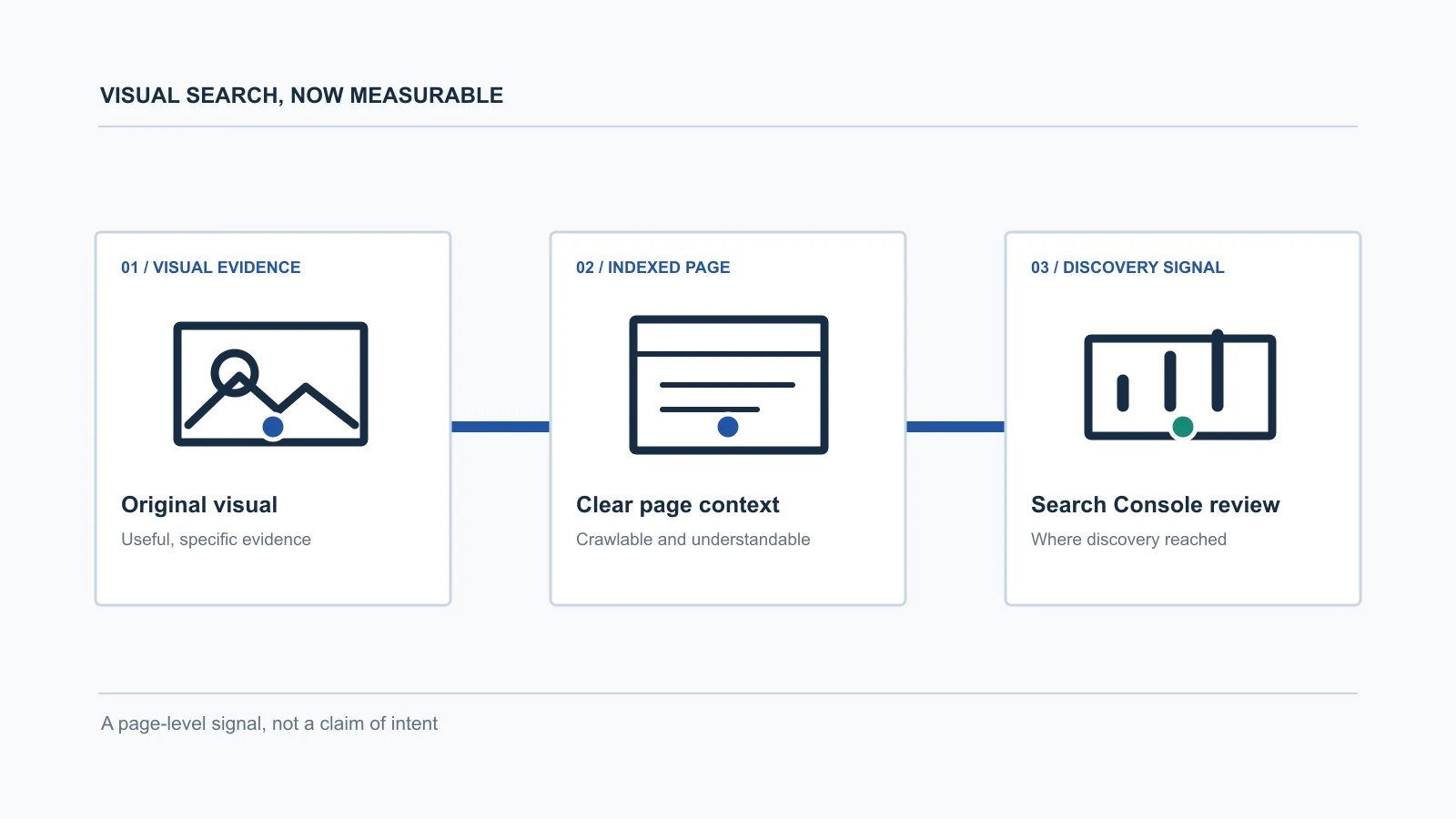
That distinction matters. The right response isn’t to chase a new label or rebuild every page around a speculative visual-search tactic. It is to examine the pages that earn this traffic and ask whether the visual evidence and page context are actually useful.
For a product business, that may mean original product views, dimensions, materials, packaging, or a clear comparison. For a local business, it may mean a recognizable location, environment, menu, fixture, or service outcome. For a B2B company, it may be a process diagram, technical component, workflow explanation, or before-and-after system view.
The visual should help answer a real question. Decoration alone rarely does that.
Images need a page that can explain them
An image is not separate from the page that contains it. The title, headings, explanatory copy, captions, alternative text, structured data, internal links, and technical accessibility all give people and search systems context for what the visual represents.
That is why a useful image program is more than a design exercise. A photo or diagram needs a stable URL, an accessible page, appropriate dimensions and file format, and enough surrounding information to make the subject clear. It also needs to load well enough that a visitor can actually inspect it.
This is familiar work for a good website. The difference is that Search Console can now show one more kind of discovery that depends on it.
What to review when multimodal traffic appears
Start with the pages receiving the traffic, not with a generic image-optimization checklist.
- Is the page’s primary visual original and useful, or is it only decorative?
- Does the page explain the object, process, place, or comparison the visual depicts?
- Can a visitor understand the page’s next action without starting the research over?
- Is the visual crawlable, responsive, and fast enough to be usable on a phone?
- Does the page connect to the rest of the site’s relevant product, service, or expertise pages?
The data will not answer every question. It can still reveal where visual discovery is already reaching the business and where better information would make that visit more useful.
Visual clarity is part of search clarity
SEO, answer-ready content, and emerging AI-search behavior all depend on the same underlying discipline: publish specific information that can be understood, verified, and acted on.
For some teams, this will expose a simple gap. Their strongest proof may be locked inside a sales deck, a product catalog, an expert’s head, or a collection of unconnected images. The website is where that evidence needs to become useful to a buyer.
A Growth Audit can help identify whether the constraint is the website, the search foundation, the lead path, or the information that connects them. The audit produces three priorities, supporting observations, and a recommended starting point.
Google’s new reporting won’t replace that judgment. It gives teams another signal to use while they make it.